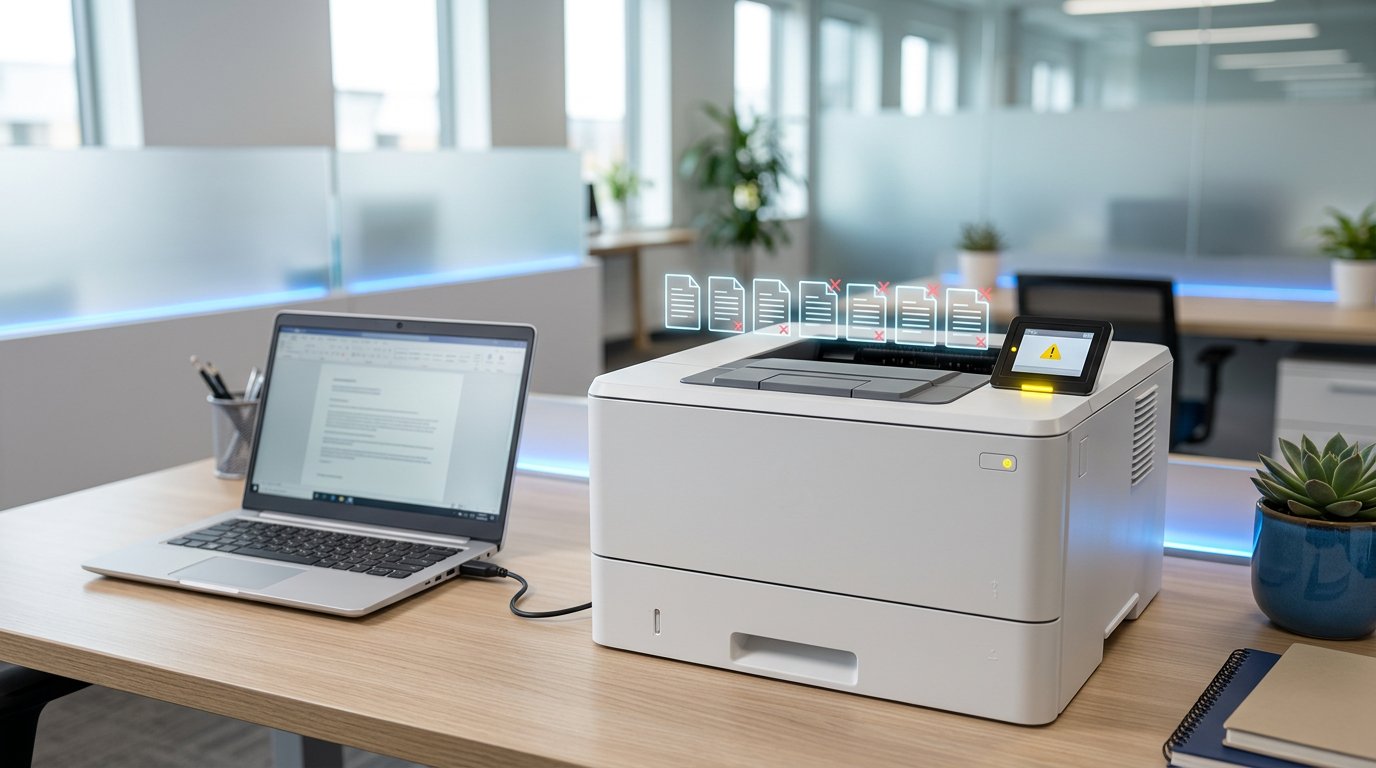
How to Fix Printer Offline Issues in Windows
Why does my printer say offline?
"Offline" usually means Windows can't talk to the printer — it doesn't necessarily mean the printer is broken. Common causes: the "Use Printer Offline" setting got enabled, IP changes, stale drivers, or the print spooler service crashed.
Step 1: The 30-second fix
- Settings → Bluetooth & devices → Printers & scanners.
- Click your printer → Open print queue.
- Menu Printer → untick Use Printer Offline.
- Cancel any stuck jobs: right-click each → Cancel, or menu → Cancel All Documents.
Step 2: Restart the print spooler
Open Command Prompt as admin and run:
net stop spooler
del %systemroot%\System32\spool\PRINTERS\* /Q
net start spooler
This clears a jammed queue and restarts the printing service.
Step 3: Check the connection
- USB: try another cable and port; avoid USB hubs.
- WiFi printer: make sure the printer and PC are on the same network; print a network config page from the printer panel and check its IP.
- Ping the printer's IP from your PC — no reply means a network problem.
Step 4: Fix the IP/port
In Printers & scanners → printer → Printer properties → Ports, ensure the port's IP matches the printer's current IP (printers on DHCP often change IPs). Better: reserve a static IP in your router for the printer.
Step 5: Remove and reinstall
- Remove the printer from Printers & scanners.
- Uninstall its software (Apps → Installed apps).
- Download the latest driver from the manufacturer's site and reinstall.
Still offline?
Our printer setup service fixes stubborn printer problems remotely. Book printer support.
Related Articles
 Windows
How to Fix Windows 11 Slow Performance
Is your Windows 11 PC lagging, freezing or taking forever to boot? Follow this step-by-step guide to speed it up…
 Windows
How to Fix Blue Screen of Death (BSOD) Errors on Windows
Stop errors like IRQL_NOT_LESS_OR_EQUAL, CRITICAL_PROCESS_DIED and MEMORY_MANAGEMENT. Learn what BSODs mean and how to…
 Windows
How to Reset a Forgotten Windows Password Without Losing Files
Locked out of your Windows 10 or 11 PC? Here are safe, legal ways to regain access without losing your files.
Comments (1)
Fixed!
Leave a comment