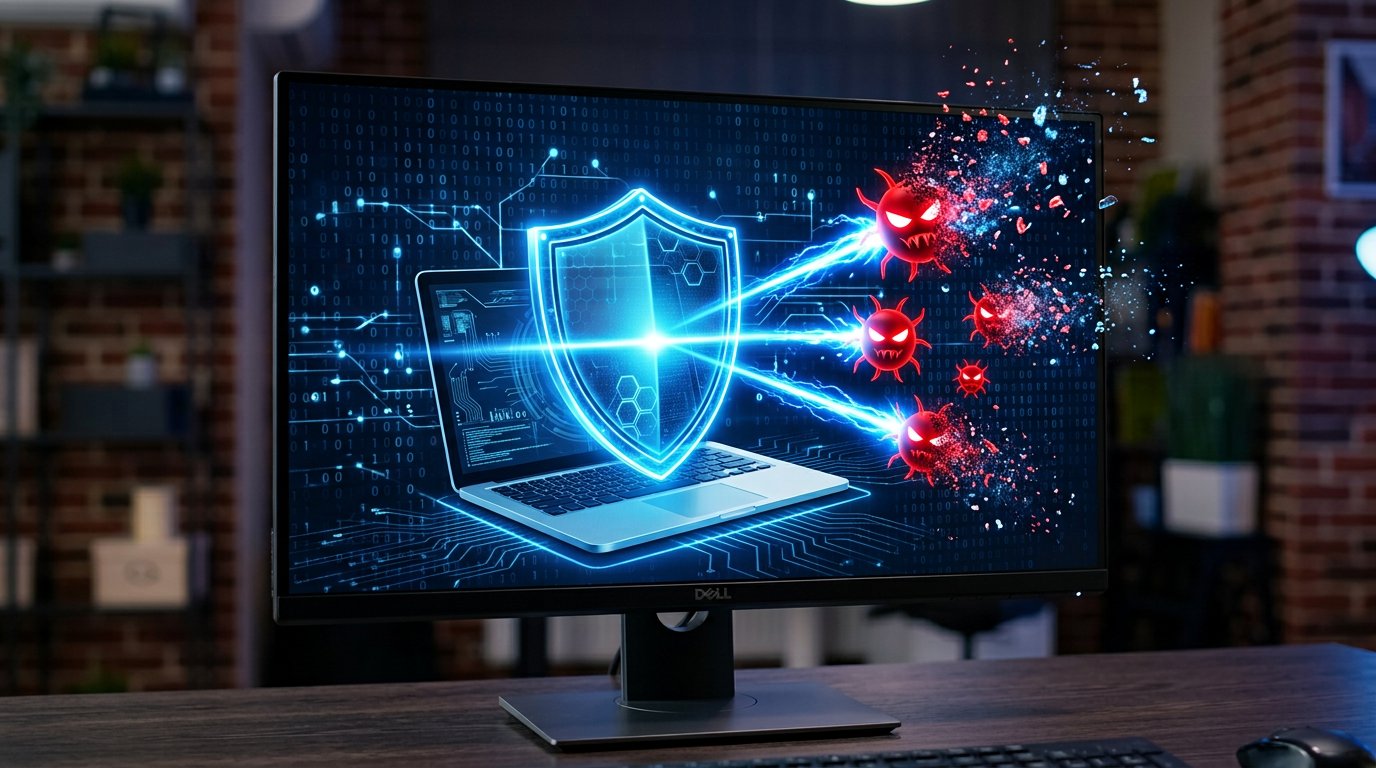
How to Remove Malware from Your PC: Free Step-by-Step Guide
Stay calm — most infections are removable
Pop-up ads, browser hijacks, slow performance, unknown toolbars? You can usually clean the PC yourself. For ransomware (encrypted files + ransom note), skip to the warning below.
Step 1: Disconnect from the internet
Turn off WiFi or unplug the cable. This stops the malware phoning home and spreading. (You'll reconnect briefly for downloads.)
Step 2: Boot into Safe Mode
- Hold Shift and click Restart.
- Troubleshoot → Advanced options → Startup Settings → Restart, press 4.
Safe Mode prevents most malware from auto-starting, making it easier to remove.
Step 3: Delete temporary files
Press Win+R, type %temp%, select everything and delete. Many infections hide here. Then run Disk Cleanup.
Step 4: Run a full antivirus scan
Update and run Windows Security → Virus & threat protection → Scan options → Full scan. While it runs, reconnect briefly and download Malwarebytes Free (our Download Center) for a second opinion — no single engine catches everything. Run its full scan too.
Step 5: Fix your browser
Reset each browser to remove hijacked settings:
- Chrome: Settings → Reset settings → Restore to original defaults.
- Edge: Settings → Reset settings.
- Firefox: Help → More Troubleshooting Information → Refresh Firefox.
Then check installed extensions and remove anything you don't recognize.
Step 6: Remove unknown programs and tasks
Check Apps → Installed apps sorted by date for recently installed junk. Open Task Scheduler and look for suspicious tasks (odd names, running from Temp folders). Check Startup apps too.
Step 7: Change your passwords
From a clean device, change passwords for email, banking, social media — assume everything typed recently may have been captured. Enable two-factor authentication everywhere you can.
Step 8: When to reinstall Windows
If scans come back clean but weird behavior continues, or the infection was severe (rootkit), a clean Windows install is the only 100% guarantee. See our Windows guides — and back up first!
Professional help
Our malware removal service guarantees a thorough cleanup with protection setup. Book malware removal.
Related Articles
 Windows
How to Fix Windows 11 Slow Performance
Is your Windows 11 PC lagging, freezing or taking forever to boot? Follow this step-by-step guide to speed it up…
 Windows
How to Fix Blue Screen of Death (BSOD) Errors on Windows
Stop errors like IRQL_NOT_LESS_OR_EQUAL, CRITICAL_PROCESS_DIED and MEMORY_MANAGEMENT. Learn what BSODs mean and how to…
 Windows
How to Reset a Forgotten Windows Password Without Losing Files
Locked out of your Windows 10 or 11 PC? Here are safe, legal ways to regain access without losing your files.
Comments (2)
Question
Saved my PC
Leave a comment