
How to Fix Windows Apps That Won't Open or Crash on Launch
Diagnose the symptom
- Nothing happens when you click — the app may be running invisibly, blocked, or corrupted.
- Opens then closes instantly — crash on startup; check Event Viewer.
- Error dialog — note the exact message; search it with the app name.
Step 1: End ghost processes
Press Ctrl+Shift+Esc, find the app in Processes (it may be running with 0% CPU), select and End task. Then relaunch. A surprising number of "won't open" cases are zombie processes.
Step 2: Restart your PC
Yes, really. Windows Fast Startup leaves the system in a weird half-booted state; a restart fixes broken services the app depends on.
Step 3: Check the crash log
Open Event Viewer → Windows Logs → Application and look for red Error entries at the time of the crash. The "Faulting module" line tells you which DLL is at fault — often a driver, codec or antivirus component.
Step 4: Repair or reset the app
Settings → Apps → Installed apps → app → Advanced options:
- Repair first (keeps your data), then Reset (wipes app data) if needed.
- For classic desktop apps, use the installer's Repair option or reinstall over the top.
Step 5: Run in compatibility mode
Right-click the app's EXE → Properties → Compatibility → tick Run this program in compatibility mode for and try Windows 8 or 10. Fixes many older apps on Windows 11.
Step 6: Rule out antivirus and security
Temporarily disable third-party antivirus real-time protection and test. If the app opens, add it to the AV's exclusion list. Check Windows Security → App & browser control → Reputation-based protection isn't blocking it.
Step 7: Check dependencies
Missing runtimes cause silent launch failures: install the latest Visual C++ Redistributables, .NET and DirectX from Microsoft's official pages. Run sfc /scannow afterwards to repair system files.
Related Articles
 Windows
How to Fix Windows 11 Slow Performance
Is your Windows 11 PC lagging, freezing or taking forever to boot? Follow this step-by-step guide to speed it up…
 Windows
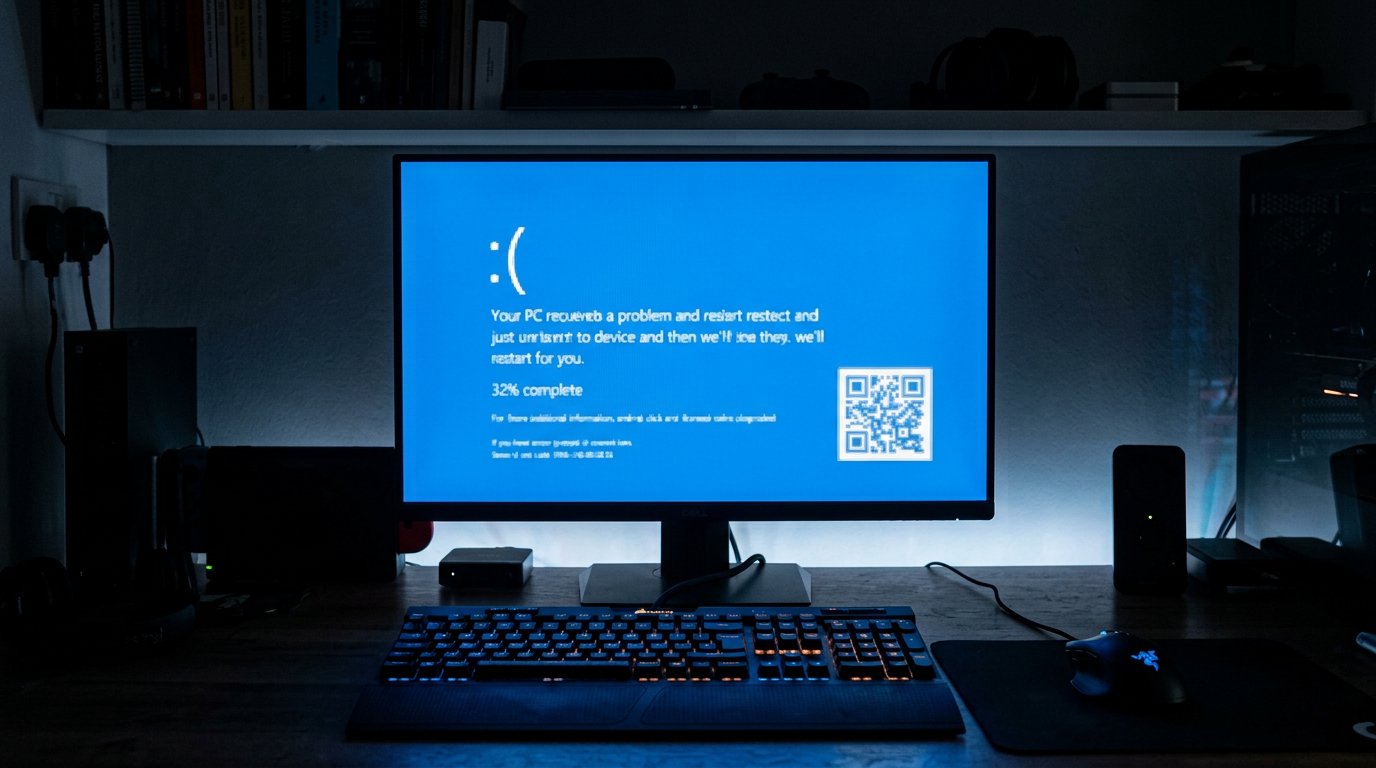
How to Fix Blue Screen of Death (BSOD) Errors on Windows
Stop errors like IRQL_NOT_LESS_OR_EQUAL, CRITICAL_PROCESS_DIED and MEMORY_MANAGEMENT. Learn what BSODs mean and how to…
 Windows
How to Reset a Forgotten Windows Password Without Losing Files
Locked out of your Windows 10 or 11 PC? Here are safe, legal ways to regain access without losing your files.
Comments (0)
No comments yet. Be the first to share your experience!
Leave a comment