
How to Transfer Data from Old Phone to New Phone
97% found this helpful
Before you start
- Charge both phones and connect to WiFi.
- Back up the old phone first (it's also your safety net).
- Sign out of accounts only after the transfer is verified.
Android → Android
- Power on the new phone and follow setup; when asked, choose "Copy apps & data" from an Android device.
- Connect the phones with the included cable (or use wireless transfer when offered).
- Select what to copy: contacts, photos, messages, apps (apps re-download from Play Store), settings.
- Keep the phones close until it finishes.
Alternatively use Google One backup on the old phone and restore on the new one during setup.
iPhone → iPhone
- Enable iCloud backup on the old phone and back up now.
- Turn on the new iPhone, bring it near the old one, and use Quick Start (scan the animation with the camera).
- Sign in with your Apple ID and restore from the iCloud backup.
Cross-platform (Android ↔ iPhone)
- Android → iPhone: Apple's "Move to iOS" app on the Android phone handles contacts, photos, messages and calendars during iPhone setup.
- iPhone → Android: Use Google Drive (photos/contacts/calendar sync), or the manufacturer's switch app (Samsung Smart Switch etc.).
Step for everything: verify the transfer
- Check contacts count, photo albums and messages on the new phone.
- Sign into your key apps and confirm data appears (WhatsApp has its own chat backup/restore step — don't skip it!).
- Keep the old phone for a week before wiping it.
WhatsApp transfers
- Same platform: back up chats to Google Drive / iCloud, restore on the new phone when prompted.
- Android → iPhone: use the official "Move chats to iPhone" feature in WhatsApp on Android.
Tip: Before selling the old phone, sign out of everything and factory-reset it. A reset phone with your Google/Apple account still attached is locked to you.
Related Articles
 Windows
How to Fix Windows 11 Slow Performance
Is your Windows 11 PC lagging, freezing or taking forever to boot? Follow this step-by-step guide to speed it up…
 Windows
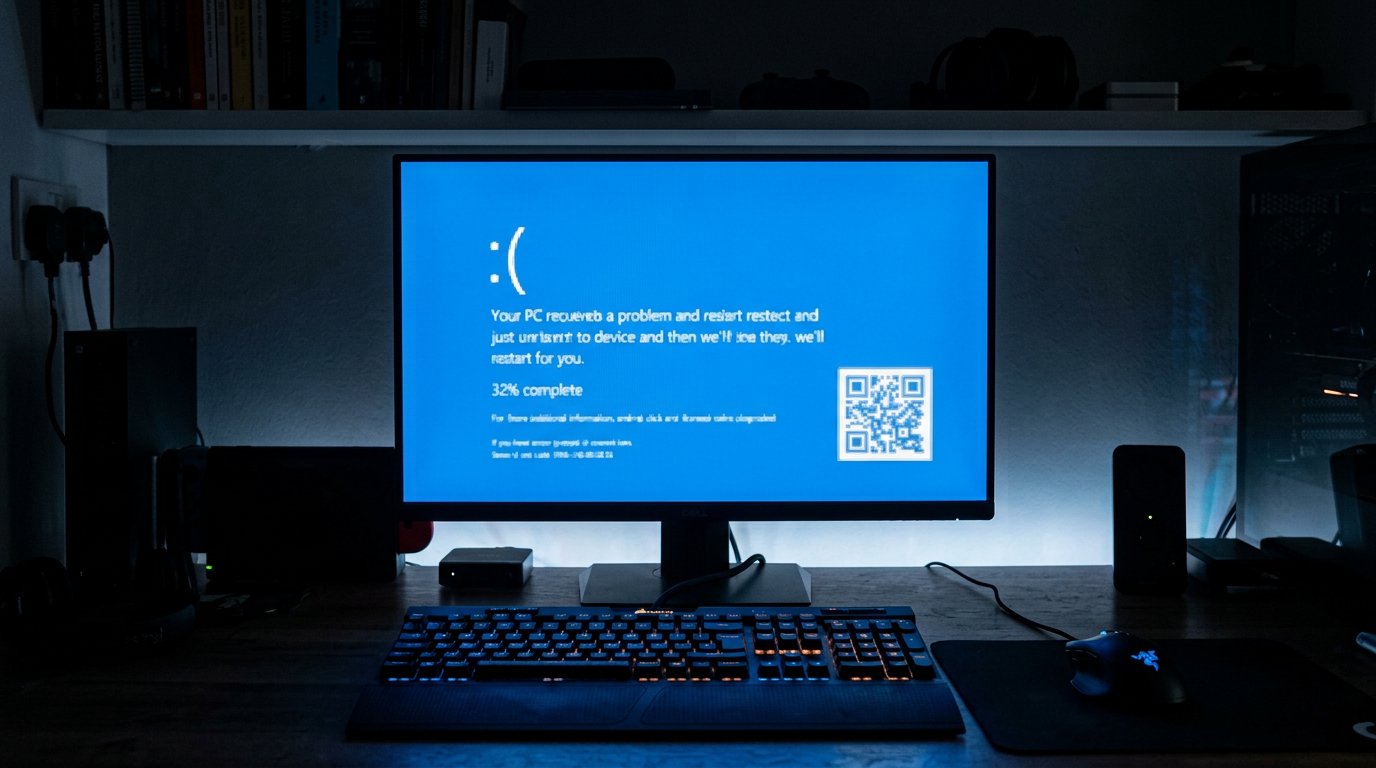
How to Fix Blue Screen of Death (BSOD) Errors on Windows
Stop errors like IRQL_NOT_LESS_OR_EQUAL, CRITICAL_PROCESS_DIED and MEMORY_MANAGEMENT. Learn what BSODs mean and how to…
 Windows
How to Reset a Forgotten Windows Password Without Losing Files
Locked out of your Windows 10 or 11 PC? Here are safe, legal ways to regain access without losing your files.
Comments (0)
No comments yet. Be the first to share your experience!
Leave a comment